
LinkedIn’s AI could have you freezing your butt off in Alaska

I love rampies. Not only could I not get off the ground without them, I couldn’t leave the gate. They load the luggage, drive the tugs that push back the plane and use the orange wands to marshal airplanes. They are out on the ramp whether it’s 100 degrees in Phoenix or -40 degrees in Nome.

But does that mean I could be one? Nope.

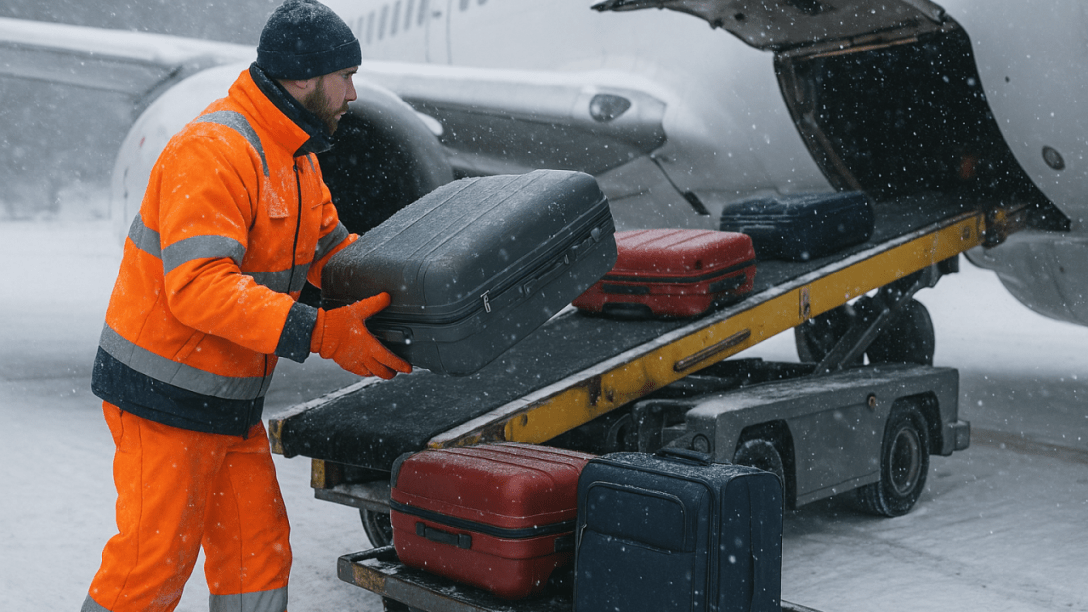
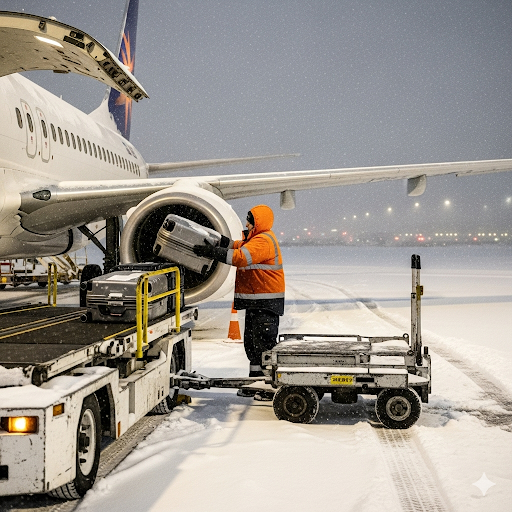
Though I do know not to load bags into an engine. That won’t end well. Note to Alaska: don’t hire Gemini to load bags.
On to LinkedIn…

Imagine my surprise when LinkedIn’s AI told me I was a great fit… for a ramp service agent role. LinkedIn has a feature for premium members that will tell you how good a match you are for a role.

Here’s my rating for a Ramp Service Agent role.
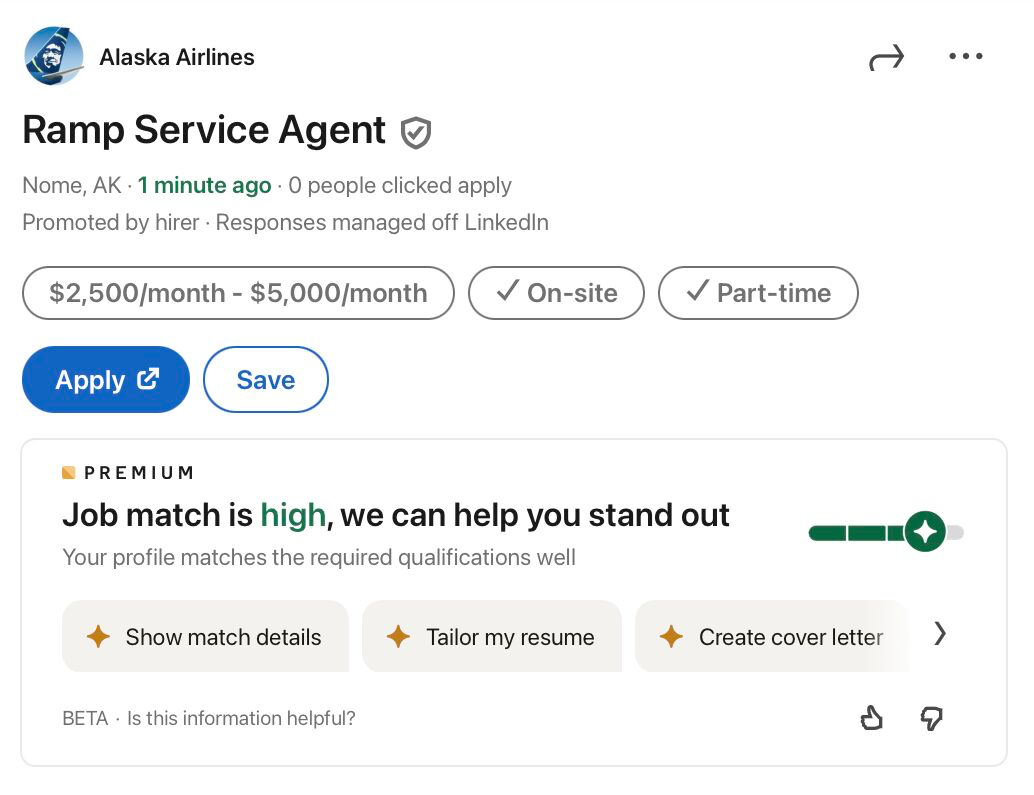
That is not a job I remotely qualify for. Location doesn’t match. Comp doesn’t match. Skills don’t match. But that rating is one of benefits I get for $40 a month.

This role at Alaska Airlines is a great fit. I could fly this at 40,000 feet. Fortunately, I’m also a “high” fit for this.
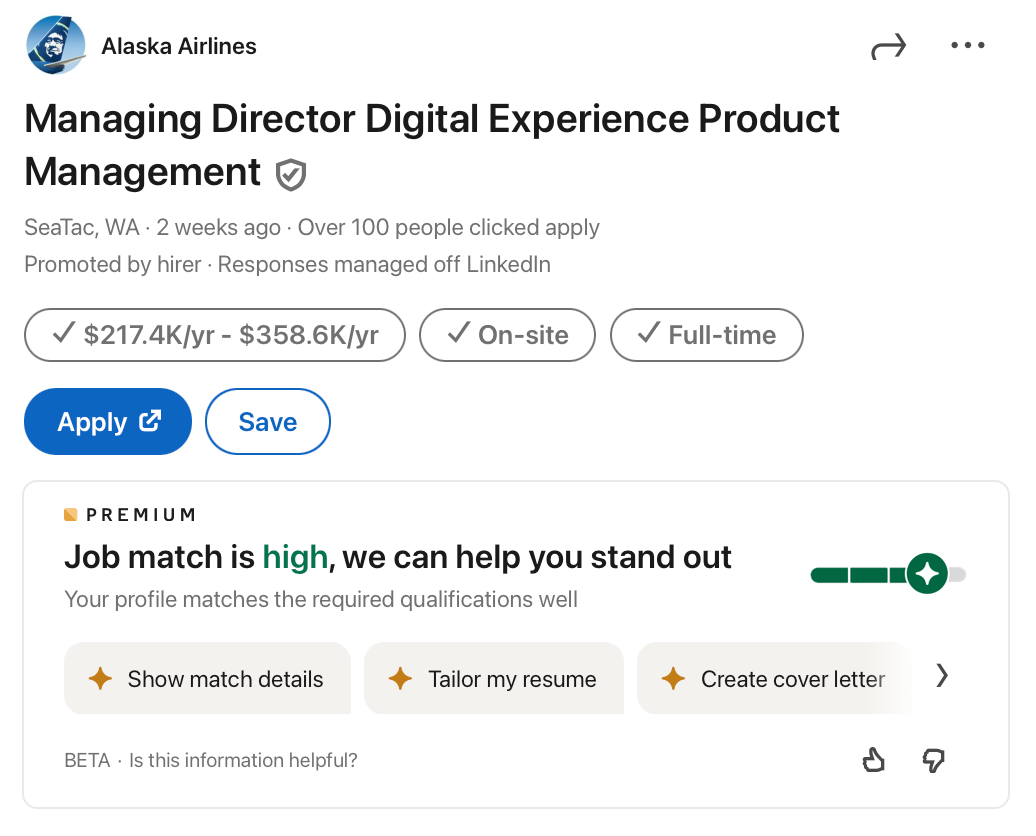
The only way these answers help is if candidates are doing spray-and-pray applications. That’s a waste of time for applicants.

Now imagine a recruiter looking at this same view. (I don’t have access to LinkedIn Recruiter, so I don’t know its sort order.) It wouldn’t help them either. If anything, it would destroy credibility for LinkedIn as a recruiting tool. And when a company owned by Microsoft (one of the biggest backers of AI) ships something this sloppy, it casts a shadow over all their other products.

But what about that “BETA” label, Rakesh? For those not familiar with tech talk, it means they’re testing the product for release.

I’ve designed and launched search products for much of my career. I’d never put this out beyond a closed internal beta, much less as a premium feature. As it stands, this isn’t a product — it’s unpaid labor for LinkedIn’s AI. The thumbs up/thumbs down will train their model. Even better: just hire a large RLHF team in India.

Amy Miller, a recruiter at Amazon, hates AI for “scoring.” This is a good reason why.

Rampies don’t need AI scores — they get planes moving. LinkedIn’s “match” feature should aspire to that kind of utility: useful, reliable, and grounded in reality. Until then, it feels more like unpaid labor for their AI than a benefit for members.

And if you’re looking for a product executive who knows AI — and knows when not to trust it — send me a message.

Parting shot: Here’s what WordPress generated. The NTSB will want a conversation.
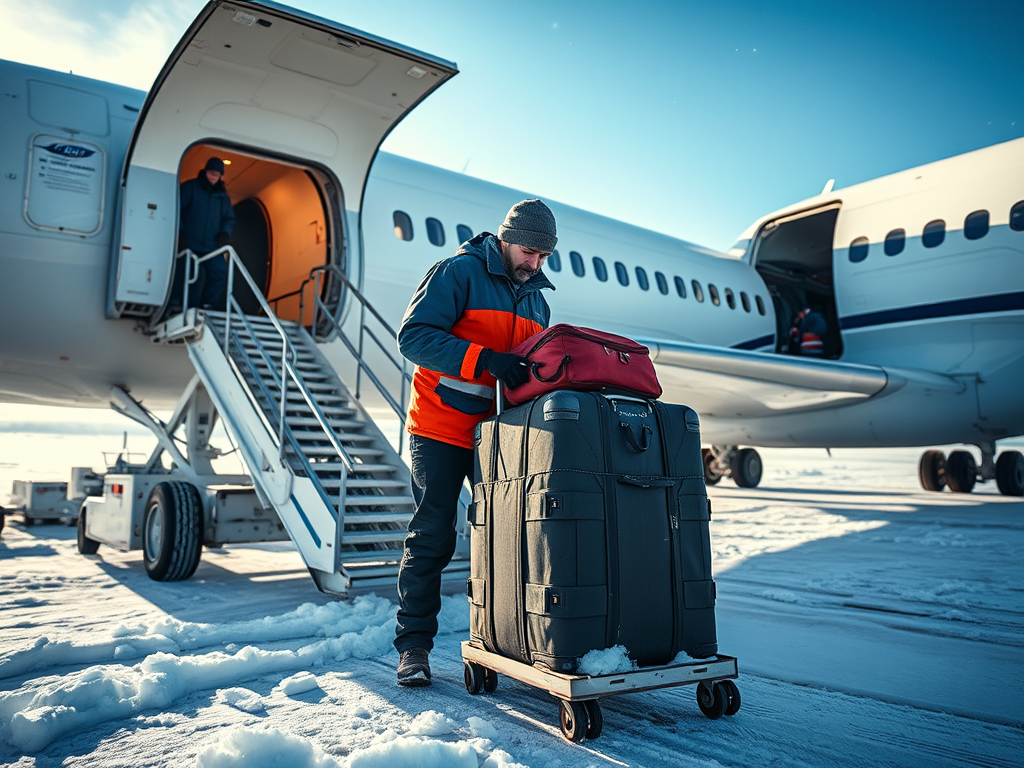
Written by me, lightly edited by ChatGPT, illustrated by ChatGPT & Gemini. Unlike LinkedIn’s AI, none of them tried to send me to Nome at 40 below.

redesign | travel: Amex tries to reinvent the airport lounge

The phrase “airport lounge” can mean very different things, depending on what country’s flag flies at the airport in question.

Centurion Lounge SFO entranceIn Europe and Asia, many lounges are indulgent retreats with hot food and complimentary top-shelf wine, beer and booze. In the United States, they generally stop at free snacks and rail drinks — but anybody can buy a membership, instead of that privilege being reserved for premium-cabin and exceptionally frequent flyers.

American Express’s small network of Centurion Lounges (Las Vegas, Dallas-Fort Worth, LaGuardia and San Francisco, with Miami coming this spring) aim to bridge that gap. They offer the cuisine and cocktails of a lounge you might find at Heathrow or Frankfurt at roughly the price of an American Airlines Admirals Club, Delta Sky Club, or United Club membership — with an Amex Platinum card included.

Continue reading “redesign | travel: Amex tries to reinvent the airport lounge”

United's mobile check in not ready for takeoff

On my last trip, I had the opportunity to try United’s mobile check-in and mobile boarding passes. The promise is paper-free check in. It sounds really great, but it’s not quite there. Partly it’s due to United’s horrible user interface, partly the newness that gate agents aren’t accustomed to it.

The user interface rarely misses an opportunity to add extra steps.

  • When online check-in opens up, United sends you an email reminding you to check in. But clicking on the link in the email takes you to the full browser version. (It should automatically redirect you to the corresponding page on the mobile site if you’re on a mobile browser.)
  • When you go to http://mobile.united.com, you have to enter your confirmation number (who remembers these?), e-ticket number (ditto), Mileage Plus number (I don’t remember it despite being a top tier flier for years) or email address (long to type). There’s no way to just cookie your email address or MP number for all future check ins.
  • You’re presented with upsells, including the ridiculously overpriced Award Accelerator. (No way to say “I never ever want this.”)
  • After you finally check in, you’d think you get a boarding pass. But now you have to enter an email address to send the boarding pass to. (Never mind that you just logged into your account with an email address; it’s not prepopulated.)
  • You’d think, “OK, now, I’ll get an email with the boarding pass.” Nope. You get an email for each segment. Neither of which contains a boarding pass, but a link to a boarding pass.
  • Instead of using one link tied to your record, there is a link for each flight. If you click on the email for the wrong flight, you can’t just flip to the other flight. You have to go back and open a different email.
  • When you finally get to the boarding pass, you see a 2D bar code read by the scanner, along with your flight and seat information in text.

After doing all of this, I went to the airport without any paper. First step: security. The TSA agent looks at my ID and phone to compare names. He then has me hold my phone over a reader. It beeps and lights up in green. Good to go. At the gate, I hold my phone over the reader. Beep. Green. Board.

At the gate for my connection in Denver, I get paged because the agent wanted me to swap seats with someone else. She asks for my boarding pass. When I say I’ve got a mobile one, she prints out a boarding pass with a new seat assignment. Being a geek, I refresh the screen and see that it shows the new seat and ditch the paper. Unfortunately it doesn’t scan and she has to board me manually.

Leaving SFO, I had to standby for an earlier flight because of weather. Although the boarding pass initially showed my standby status, somewhere along the way that disappeared. (Causing me to panic and race to the big screens in the gate area to verify that I was still on the list.) When I cleared standby, the agent called me up and issued a paper boarding pass. The link I had showed no boarding pass.

In a future ideal world, my phone would beep when I cleared the standby list, I’d click to accept and the screen would show the updated boarding pass. It would free up the mob around the gate, let me get a drink or food and get the plane out faster.

In Denver, my original mobile boarding pass was still valid. It took some fiddling to get it to scan. I thought 2-D bar codes could be held in any direction, but that didn’t seem to be the case.

Note that although the boarding pass is generated dynamically, the information is static. If your flight is delayed, you won’t see that reflected. You’ll have to go back to http://mobile.united.com and enter your flight information. It also self destructs after a flight, so if you need documentation for business purposes or making sure you get your frequent flier miles, you might want to stick with paper. (In theory, it shouldn’t be needed for miles purposes, but I don’t like to rely on theory when it comes to airlines.)

More on: airlines